
Log in to the Jellyfin server
This is our legacy Jellyfin server. It still works, but it does not have
the speed updates, household profiles, or the full vault that
Silo has. It is a normal Jellyfin login — just a
username and password, with no # profile tricks.
Sign in
Section titled “Sign in”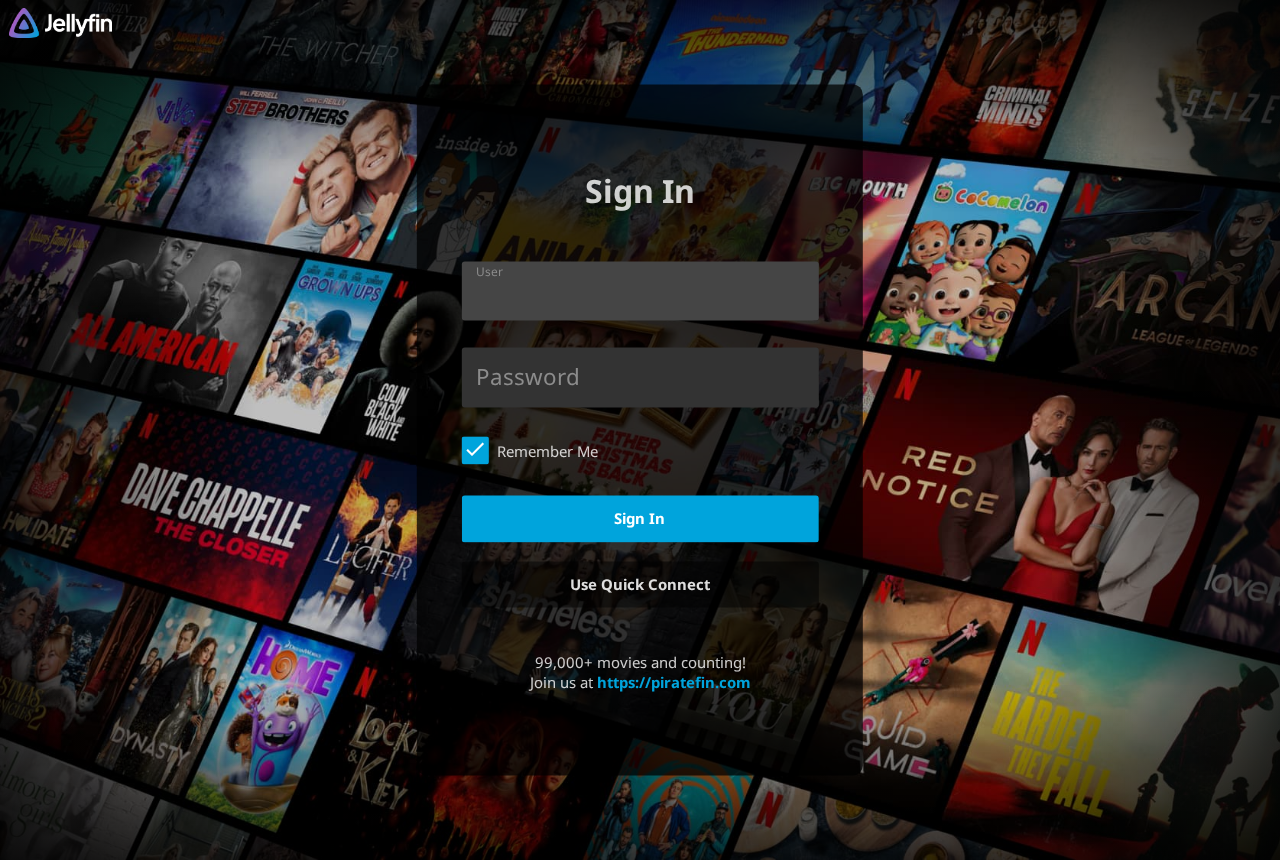
- Open your Jellyfin app and connect to the server address below.
- Enter your username and password, then tap Sign In.
| What to enter | Value |
|---|---|
| Server address | your-jellyfin-server-address |
| Username | your account username (not your email) |
| Password | your account password |
Recommended apps
Section titled “Recommended apps”Find your device below and install our shortlisted pick from its store.
| Your device | Recommended app | Cost |
|---|---|---|
| iPhone or iPad | Streamyfin | Free |
| Apple TV | Infuse | Free with a paid upgrade |
| Mac computer | Infuse | Free with a paid upgrade |
| Android phone or tablet | Streamyfin | Free |
| Android TV, Google TV, or Fire TV Stick | Wholphin | Free |
| Samsung or LG Smart TV | official Jellyfin app | Free |
| Windows computer | Jellyfin Media Player | Free |
| Any web browser | No app needed — just open the address | Free |
Trouble signing in?
Section titled “Trouble signing in?”- Make sure the server address is typed exactly.
- See Troubleshooting, or contact us.